01 / SPLIT-SCREEN
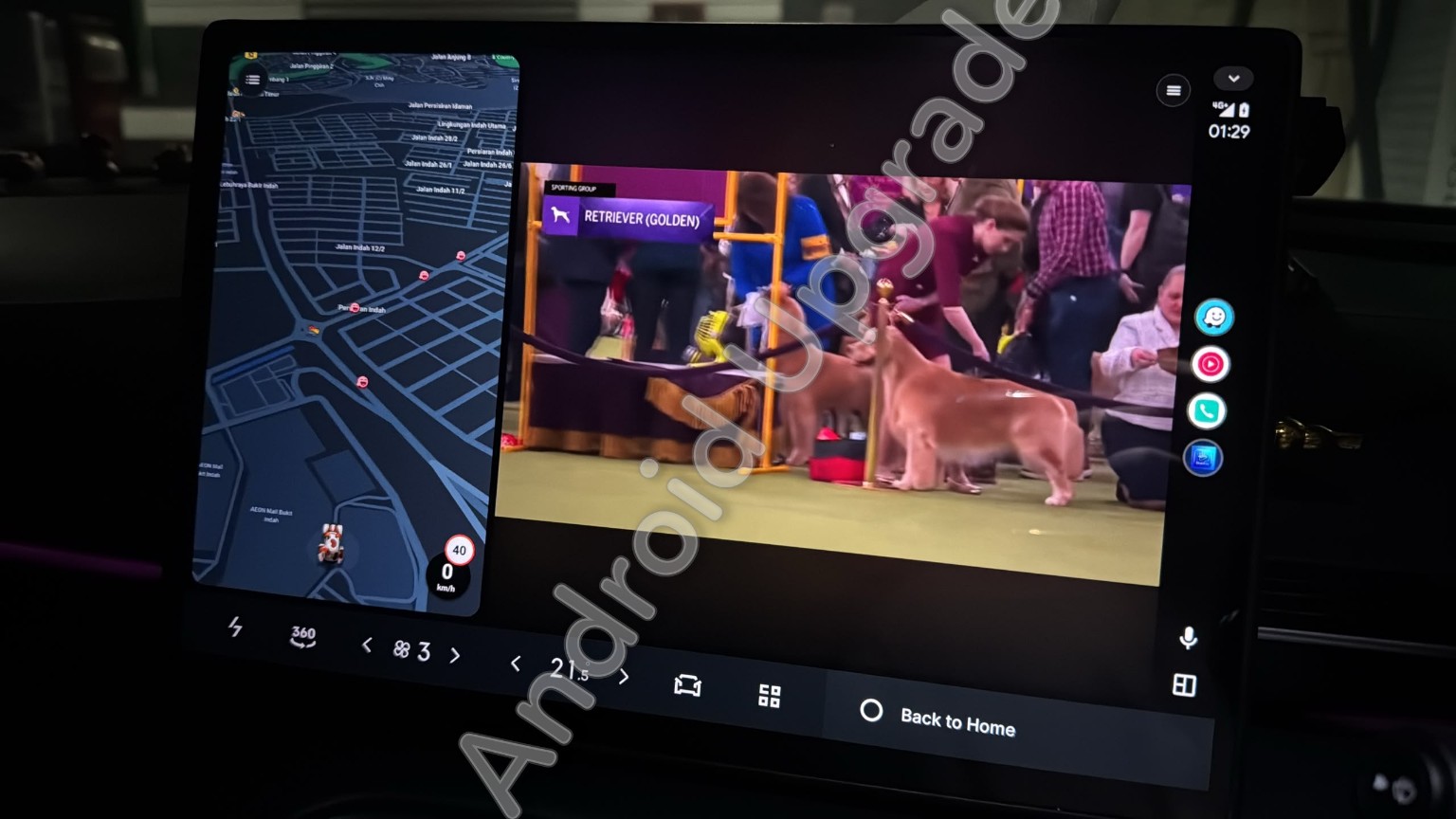
Keep the map beside the video.
On supported displays, navigation and entertainment can appear side by side. Screen shape and layout vary by vehicle.
STREAMAUTO GUIDE
Want to see YouTube on your car display? StreamAuto is an entertainment app by Corn Android Upgrades for compatible Android phones and Android Auto displays. Here’s what it looks like in real cars and what to check before buying.
StreamAuto is a separate app; it is not a built-in YouTube feature from Google.
THE VIEW
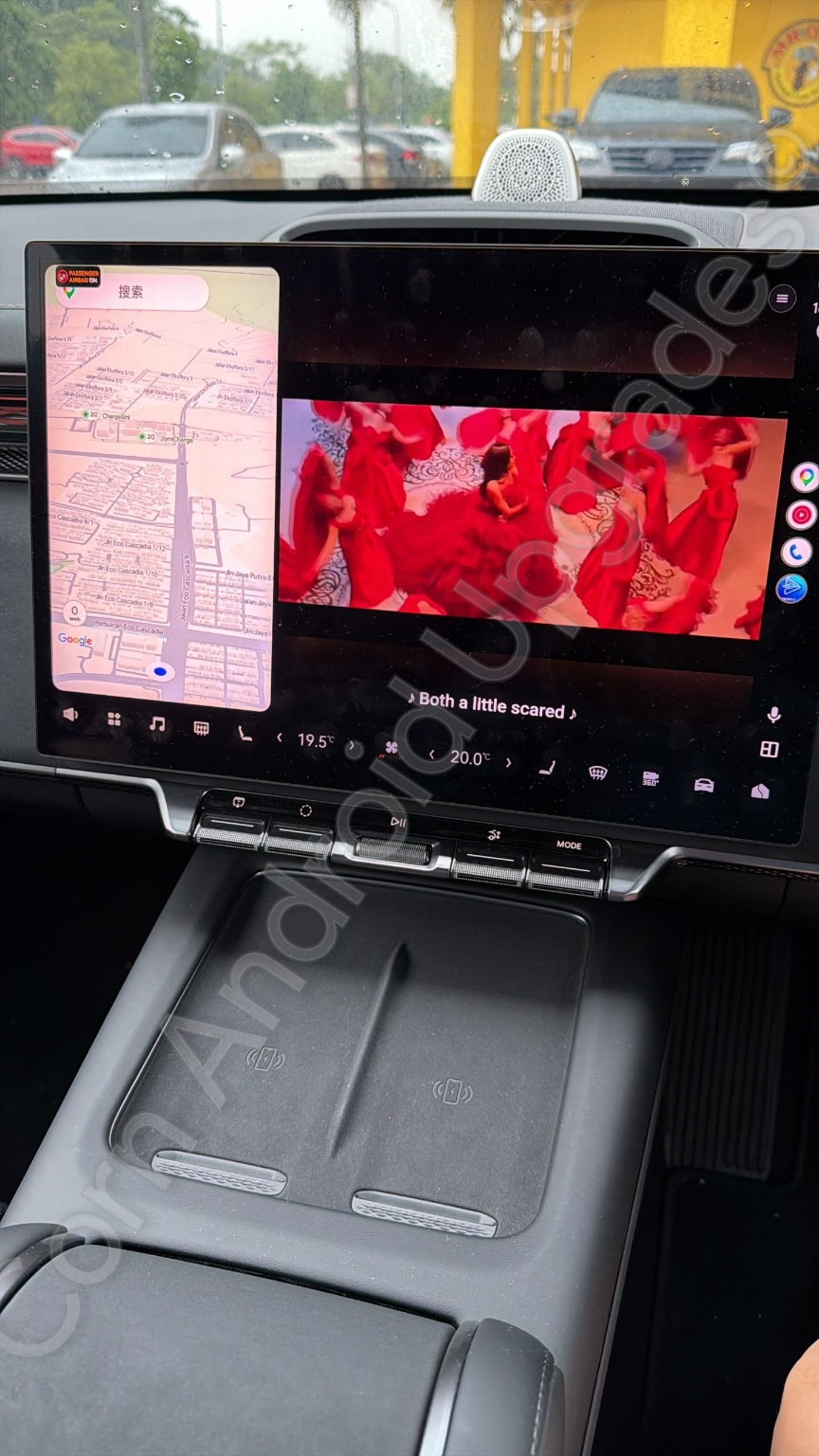
Choose a layout that suits your display. The available layout depends on your car and phone.
On supported displays, navigation and entertainment can appear side by side. Screen shape and layout vary by vehicle.
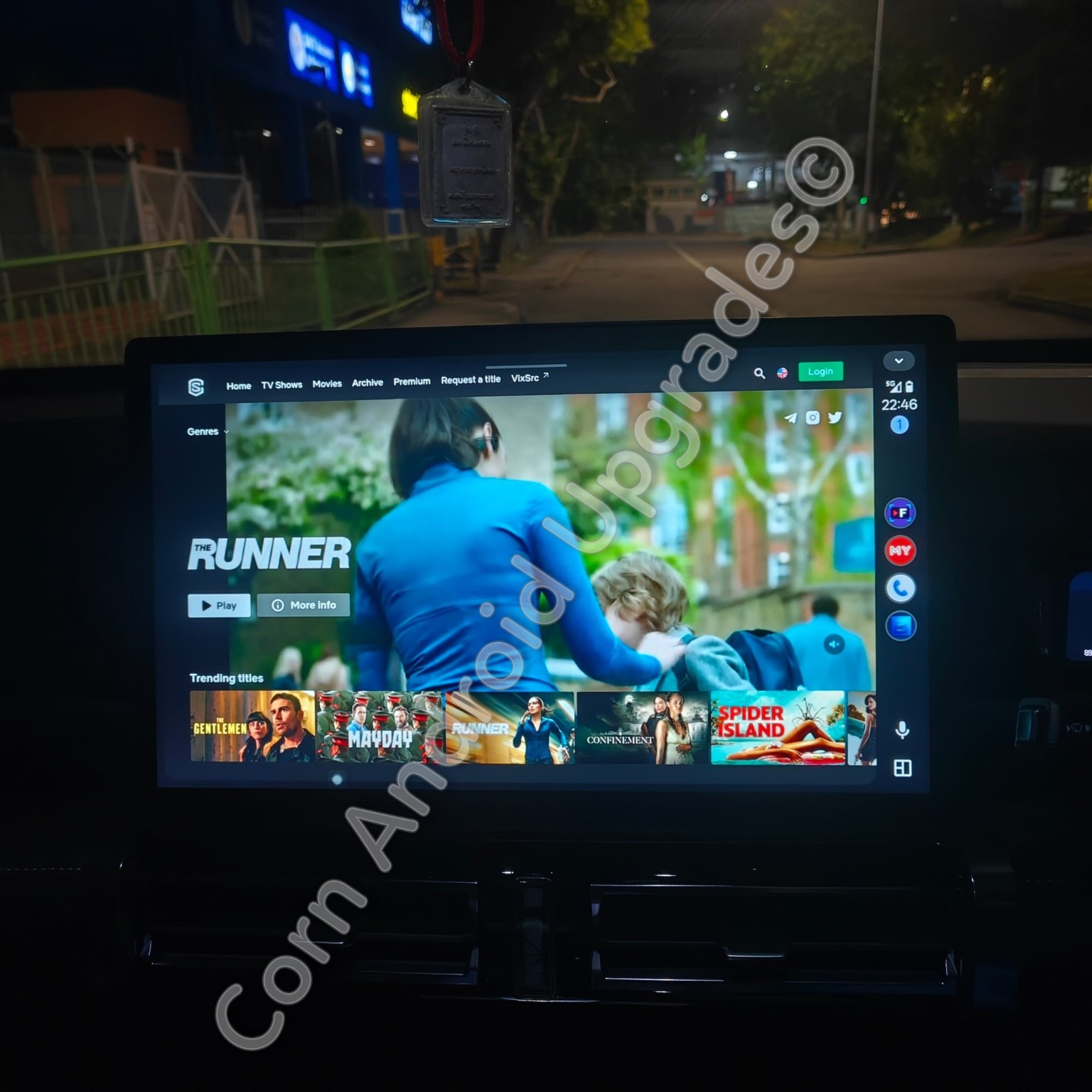
A full-screen example from a supported entertainment service, without a map panel beside it. Passenger viewing is possible while travelling; drivers must keep their attention on the road.
BEFORE YOU BUY
We check the exact setup with you. Android Auto support alone does not guarantee that every phone and display will behave the same way.
Send your phone model and Android version. It needs to support Android Auto and be compatible with StreamAuto.
Tell us your car model and year. The car or head unit must already have working Android Auto; split-screen is available only on supported setups.
Video needs a working internet connection. Use your own account for services that require sign-in.
HOW IT WORKS
Once we confirm compatibility and arrange your licence, we invite your approved Google account to download StreamAuto through Google Play. We then guide you through setup on your Android phone and car display.
No Android box, phone rooting or APK sideloading is required. StreamAuto is invitation access and does not appear in public Google Play search.
Read the setup stepsCHECK YOUR SETUP FIRST
Send the model and year of your car, plus your Android phone model. We’ll check compatibility before you purchase.